Brand
Sony
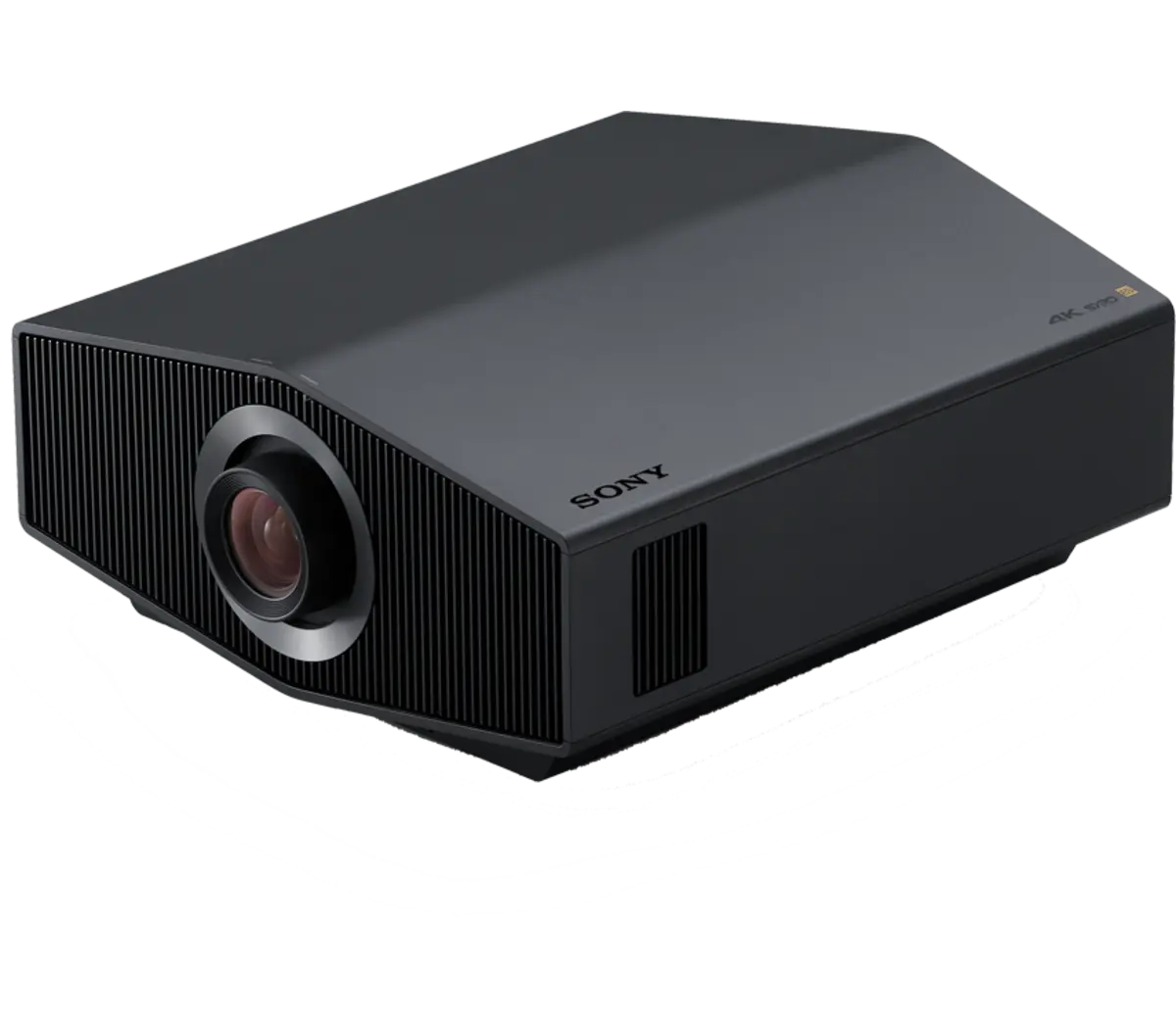
Native 4K SXRD projection descended from Sony’s cinema projectors, alongside the reference BRAVIA televisions.
Authorized Dealer — Scottsdale & Tempe, Arizona
Trade-in credit toward new purchases · Full installation and calibration · Walk in during business hours or book ahead
See what's on demonstration now ↓Sony occupies a position no other display manufacturer can claim: it makes the cameras a great many films are shot on, owns a studio that masters them, and builds the projectors that show them in commercial cinemas. The home cinema line is not a consumer brand borrowing that reputation — the three-chip SXRD imaging system in the BRAVIA projectors is the same technology, scaled, that runs in Sony's professional cinema projectors.
That vertical position matters practically rather than only rhetorically. When a manufacturer builds the acquisition, mastering and exhibition ends of the same chain, the reference the projector is calibrated against is not an abstraction — it is the same reference the film was graded on. The purpose of a reference display is to show what the colourist approved, and Sony is unusually well placed to know what that was.
The SXRD premise
SXRD stands for Silicon X-tal Reflective Display, a reflective liquid crystal panel rather than a transmissive one. Light bounces off the panel instead of passing through it, which allows a far tighter pixel structure and delivers deeper blacks and higher native contrast than the LCD panels or DLP chips in most home projectors.
The current 0.61-inch panel is native 4K at 3,840 by 2,160 — all 8.3 million pixels physically present, with no pixel shifting. That distinction is worth understanding, because a large share of the projector market reaches a 4K specification by shifting a lower-resolution chip at speed. The image that arrives is not the same, and it is most obviously not the same on fine detail and on diagonal edges. The current panel is also matched to the 16:9 aspect ratio rather than the 17:9 of earlier generations, so nothing is wasted at the edges of the frame.
Illumination is Sony's Z-Phosphor laser, rated to 20,000 hours and modulated precisely enough that dynamic contrast approaches infinite — the light source itself dims on dark scenes rather than an iris closing in front of it. Processing across the range is the XR Processor, developed for Sony's reference televisions and adapted for projection.
The Sony line at LMC
The BRAVIA projector range runs from the Projector 7 at 2,200 lumens through the Projector 8 at 2,700 to the Projector 9 at 3,400, all sharing the same native 4K SXRD panel and XR processing. The differences between them are light output and optics rather than resolution, which makes model selection a function of screen size, screen gain and how much ambient light the room actually has. Above the BRAVIA line sits the GTZ380, Sony's flagship.
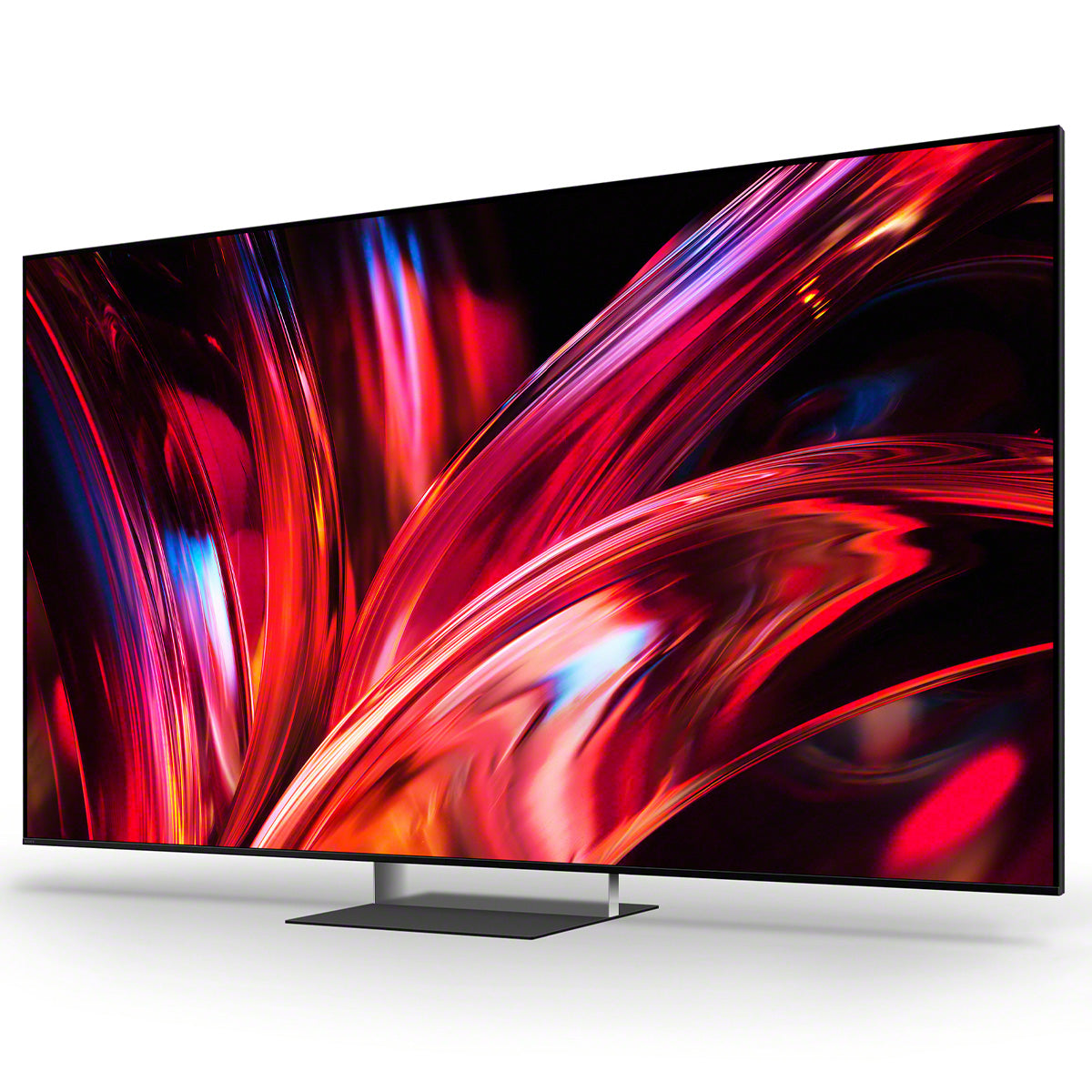
LMC also carries Sony's reference television line — the True RGB BRAVIA 9 II and the QD-OLED BRAVIA 8 II — for rooms where a screen has to work in daylight, or where a dedicated cinema is not the brief. The projectors and televisions pages carry the current range.
Sony across the LMC rooms
Sony appears in more LMC demonstration rooms than almost any other brand, and in deliberately different roles.
In the Cinema Suite in Scottsdale, Sony handles projection onto an acoustically transparent Stewart Filmscreen with Wisdom Audio planar magnetics behind it, processed by a Trinnov Altitude16 and sourced from Kaleidescape. In the Tempe Theater, a Sony VPL-VW995ES projects for a system anchored by Wilson Alexia V and McIntosh MC1.25KW monoblocks on a Trinnov Altitude32.
The television side is demonstrated just as seriously. Tempe Room 5 puts a 100-inch Sony BRAVIA at the centre of a full Wilson surround array — Sabrina V mains, WASAE centre, four Alida surrounds — with a McIntosh C2800 tube preamplifier alongside the processor so the same loudspeakers become a two-channel system when the film ends. The Media Room in Scottsdale pairs a 100-inch Sony with Wilson WATT/Puppy and the Dan D'Agostino Pendulum integrated, whose HDMI eARC module lets one amplifier serve both critical listening and the television.
Those rooms make a point that is difficult to make in a specification comparison: a reference display is not confined to a blacked-out cinema, and a room with a television in it does not have to be a compromised listening room.
LMC as a Sony dealer since 2015
Projection is the part of a cinema where specification error is least forgiving. Light output has to be matched to screen area and screen gain, throw distance has to suit the lens, and the difference between a correctly specified projector and an approximately specified one shows up as either a dim image or a washed-out one — neither fixable by calibration afterwards.
LMC has carried Sony since 2015, and specifies projection as part of the room rather than as a component chosen from a chart. That means the screen, the seating distance, the ambient light control and the projector are decided together, which is also why Sony sits alongside Barco on the cinema design side of the business rather than in a separate video category.
Where to start
Start with the room rather than the model. Screen size, seating distance and how much control you have over ambient light determine which projector makes sense, and those three answers usually eliminate most of the range before anything is switched on.
If the space is a living room rather than a dedicated cinema, start with the reference televisions instead. A BRAVIA 9 II in a bright room will beat any projector in the same room, and the Media Room and Tempe Room 5 exist to demonstrate exactly that configuration done properly.
If the project is a dedicated cinema, see the Cinema Suite and the Tempe Theater in the same visit. Same manufacturer, two different rooms, two different design briefs.
What to watch for
First, watch a sustained dark scene rather than a bright one. Demonstrations default to spectacle, but native contrast is what separates SXRD from the alternatives, and it is only visible in shadow. Look for detail inside the blacks — folds in dark clothing, texture in a night sky — rather than simply how dark the black appears.
Second, look at fine detail and diagonals. This is where native 4K separates from pixel-shifted 4K: text in a title sequence, the edge of a roofline against sky, the weave of a fabric. Shifted images tend to show a faint shimmer on movement that a native panel does not.
Third, watch a bright scene immediately after a dark one and pay attention to the transition. Laser modulation should track the change without the visible pumping an iris-based system produces, and without crushing the shadows on the way down.
Walk in during business hours or book ahead if the audition needs the Cinema Suite, the Tempe Theater or a specific BRAVIA television demonstration configured against your own material.
The Lineup
Explore the Range
Experience The Brand